Mr Q Registration and Login Guide
- Open the Mr Q Casino website and select the sign-up button on the homepage.
- Enter your personal details: full name, date of birth, address, email and phone number.
- Confirm you are at least 18 years of age and accept the operator’s terms.
- Log in with your new credentials and complete identity verification when prompted — have your passport or UK Driving Licence ready.
- Set any responsible gambling limits before making your first deposit.
This guide covers every stage of creating, accessing and managing a Mr Q account, based on the operator’s published terms. The welcome offer terms are not established on this page; current promotions are listed separately: Mr Q welcome bonus.
Mr Q Sign-Up Process
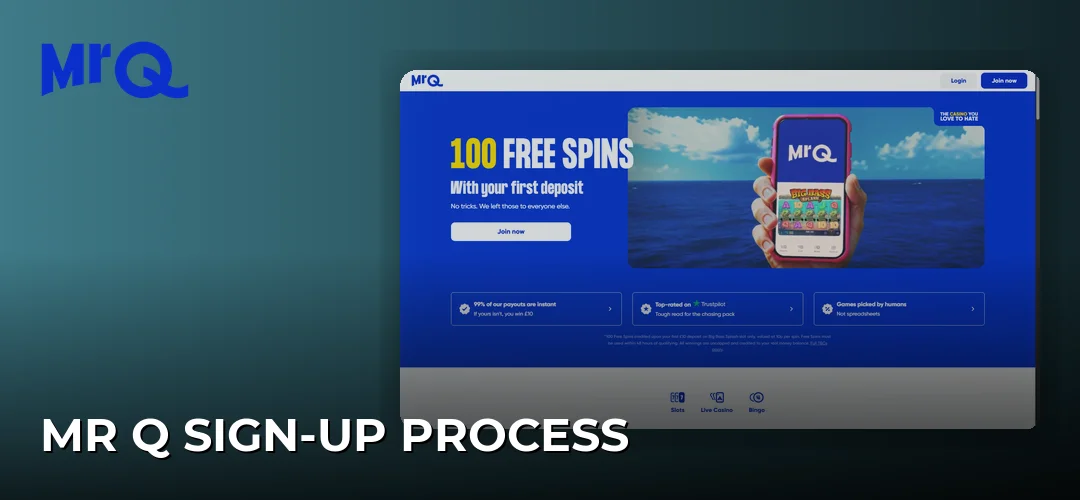
To sign up at Mr Q Casino, you complete the registration form with your personal details, confirm you are at least 18 years old, and accept the terms. Identity verification follows, either during sign-up or at any point while the account is active, using official ID and a recent proof of address.
Mr Q sign up is open to players aged 18 or over — the operator’s terms state that you must be at least 18 years of age to hold an account. During registration you provide standard personal information: name, date of birth, residential address and contact details. Once the form is submitted and your credentials are set, your Mr Q sign in details work across desktop and mobile.
The Mr Q sign up offer and Mr Q casino sign up offer terms are not established in the operator’s published conditions for this page. For what is currently promoted, see: Mr Q welcome bonus. More on this: Mr Q promo code existing customers.
Documents for Mr Q verification
Verification at Mr Q requires an official form of valid ID plus a proof of address issued within the 90 days before you send it. The operator may request these documents at registration or at any time afterwards as part of its ongoing regulatory checks.
The identification documents the operator may request include, but are not limited to:
- Official forms of valid ID: Passport, UK Driving Licence, Non-UK Driving Licence, Non-UK National ID card, Citizencard
- Proof of address: Utility Bill (Gas, Electricity, Water or Council Tax), Official Government Letters, Local Authority Letters, Bank/Building Society Letters or statement
Proof-of-address documents must have been issued within the 90 days before you send them. An older utility bill or bank statement will not satisfy the check, so use a recent document.
Mr Q login process
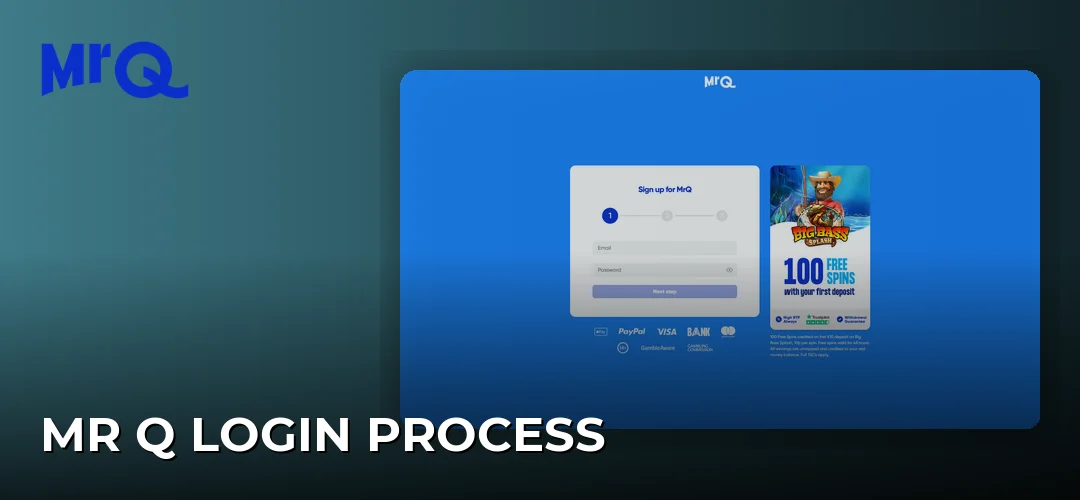
To log in to Mr Q, select the login button on the site, enter the email address and password set at registration, and confirm. The same credentials apply on desktop, in the mobile browser and on any mobile version of the site.
The Mr Q casino login sits at the top of the homepage. Enter your registered email and password to access your balance, game history and account settings. The Mr Q bingo login and Mr Q spins login use the same single account — there is one login across the operator’s products, so your Mr Q sign in details work wherever you play. More on this: Mr Q casino free spins.
On mobile, the Mr Q login UK app flow mirrors the desktop process: open the login screen, enter the same email and password, and you are in. Mobile access details are covered in depth on a separate page: Mr Q mobile app.
UK-specific registration requirements
UK players registering at Mr Q must be at least 18 years old and complete identity checks that the operator carries out throughout the life of the account. These checks are a licence obligation, not a one-off formality.
As a licensed operator, Mr Q is required to conduct ongoing due diligence checks relating to its licence and other regulatory obligations for the whole time you hold an account. To complete these checks, the operator may at any time request documentation from you — so even after a successful Mr Q login UK sign up, further verification requests can follow.
Anti-money laundering controls also apply to every account:
- All transactions are monitored in order to prevent money laundering.
- Suspicious transactions are reported to the relevant authorities.
- The operator reserves the right, acting reasonably, to raise queries or require documentation related to transactions.
These conditions apply equally whether you use the Mr Q UK login on desktop or mobile. Keeping your proof-of-address documents recent — issued within 90 days — means any request can be answered without delay.
Mr Q login problems and fixes
When Mr Q won’t let you log in, the usual causes are an incorrect email or password, an incomplete verification check, or a restriction the operator has applied to the account. Work through the causes in that order before contacting support.
Start with the credentials: retype the email address and password carefully, checking for typos and capital letters. If the details are correct and the Mr Q login still fails, the account may be waiting on a verification step — the operator can request documents at any time, and an outstanding request can restrict access until it is satisfied.
A third cause is an account-level restriction applied under the operator’s regulatory obligations. In that case, check the email address registered to the account for any message from Mr Q and respond to it. Payment-related account queries are covered separately: Mr Q payment methods.
Managing your Mr Q account
Once you have completed the Mr Q slots login and reached your account area, the same verification rules apply to any changes you make. Keep your registered address and contact details current, because the operator’s ongoing due diligence checks run for the entire time the account is open.
If you change address, a new proof-of-address document will be needed for any future verification request — remember it must be issued within the 90 days before you send it. The accepted document types stay the same as at registration: a utility bill, official government or local authority letters, or a bank/building society letter or statement.
Closing your Mr Q account
Account closure and self-exclusion are handled through the account settings and the operator’s support. Before closing, withdraw any remaining balance, and settle any open verification queries the operator has raised.
Note that closure does not end the operator’s record-keeping obligations: transaction monitoring and anti-money laundering records are retained under its licence conditions. If your goal is to stop gambling rather than simply leave Mr Q, self-exclusion is the stronger tool — it blocks the Mr Q gambling login for the chosen period rather than just removing access by choice.
Frequently asked questions about Mr Q
How do I sign up for Mr Q?
You complete the registration form with your personal details, confirm you are at least 18 years of age, and accept the operator’s terms. Identity verification follows using official ID and a proof of address issued within the 90 days before you send it, either at sign-up or when the operator requests it later.
What documents do I need to register at Mr Q?
Mr Q may request an official form of valid ID — a Passport, UK Driving Licence, Non-UK Driving Licence, Non-UK National ID card or Citizencard — plus proof of address such as a gas, electricity, water or Council Tax bill, official government or local authority letters, or a bank/building society statement. Proof-of-address documents must be issued within the 90 days before sending.
Registration takes minutes, and with your ID and a recent proof of address to hand, verification is straightforward. Create your account and set your limits from day one.